
Swimlane Reports

Our Swimlane Reports solution let's youtag, filter, and combine key Projects, Tasks, and Issues into colorized Swimlanes
| HOW | Adobe Exchange, Annual License, Free Trial, Glossy, Video |
| WHAT | Calendaring, Reporting |
| WHEN | Since 2023 |
| WHERE | Issues, Portfolios, Programs, Projects, Tasks |
| WHO | Executive, Planner, Requestor, Worker |
| WHY | Embedded, Simplification |
- Solution
TIP: We invite you to learn about this solution below, and once you are ready, to then proceed here.
Our Swimlane Reports solution let’s youtag, filter, and combine key Projects, Tasks, and Issues into colorized Swimlanes
To use it…
Run our “Package Installation” to install a 30 Day Trial of our Swimlane Reports solution into your Workfront instance, including the dashboards, Magic Reports, filters, views, and additional custom data that allows users to set Report Options on the fly.
Refer to the Installation Instructions video in the Media section, which includes step by step instructions.
Once installed, the resulting Swimlane Reports solution then provides all of the following:
- Logo
- Report Title (or Override, if set)
- Bold Label
- Regular Label
- Italics Label
- Disabled Label
- Swimlane Name Contains
- Project Contains
- Task Contains
- Issue Contains
- Last Update Cutoff
- Select Report (Swimlane Portfolio, Swimlane Program, or Swimlane Project Owner)
- Project Filter
- Task Filter
- Issue Filter
- Date Range
- Page Height
- Show Legend toggle
- Time Level (Total, Year, Quarter, Month, Day, Hour)
- Swimlane Column Width (0 to 10 inches)
- Data Column Width (.25 to 10 inches)
- Default Colors (with optional overrides)
- Hyperlinks to each (P)roject, (T)ask, or (I)ssue
- Configurable cell text (Status + Name + Start – End Dates, by default)
- Configurable cell text color (Pink for Projects, Teale for Tasks, Indigo for Issues, by default)
NOTE: the External Page URLs cited in the instructions can be copied and pasted from this text file in either non encoded (first 4) or url encoded (second 4) format.
Once you have installed our Swimlane Reports package, to configure it for the Users of interest:
- Share the AtAppDemo Swimlane Report (Standalone), AtApp Swimlane Report (Portfolio), AtApp Swimlane Report (Program), and AtApp Swimlane Report (Project) dashboards with those Users of interest (e.g. manually, via a group, or make Visible System-Wide)
- Share the AtApp Swimlane Report Options custom form with those Users of interest (e.g. manually, via a group, or make Visible System-Wide) AND grant them View access (e.g. manually, via a group, etc.)
- Share the eight AtApp Swimlane * filters, the seven Swimlane Details * views, and the one AtApp Swimlane Report view with those Users of interest (e.g. manually, via a group, or make Visible System-Wide)
- Navigate to all Users
- Filter for those Users of interest
- Set the user view to AtApp Swimlane Report Activated
- Bulk update those Users to AtApp Swimlane Report Activated = Yes (which connects them to the AtApp Open Issues Report Options custom form)
- Add our AtAppDemo Swimlane Report (Standalone) as well as the AtApp Swimlane Report (Portfolio), AtApp Swimlane Report (Program), and AtApp Swimlane Report (Project) custom sections to those Users either manually (temporarily, to test), or (recommended, when you are ready) via their Layout Templates
And finally, to test it for the Users of interest:
- Login As one of those Users of interest (for context)
- Open the AtAppDemo Swimlane Report (Standalone) dashboard
- Set the Report Options (e.g. “Show Portfolios = Yes”, etc.)
- Select the desired Report, then
- Set the Project, Task, and/or Issue Filters, then
- Set the desired Date range, then
- Set the desired Settings (e.g. Page Height, etc.), then
- Click View Report to render the report
- Assess the results (e.g. adjusting the Report Options and re-running the report to Show more details)
- Ctrl+click a specific (P)roject, (T)ask, or (I)ssue hyperlink prefix to open each in its own browser tab
- On each, click its corresponding AtAppDemo Swimlane custom section
- Click the View Report button and note how each self-filters to the context of that level
If all goes well, that should do it, but in case not, here are some known GOTCHAs:
GOTCHA 1: (common) if upon clicking View Report a Swimlane Report “just spins”, it might be that the Report Options custom form (just above the spinner) is all blank, meaning it isn’t yet connected to the current user. To resolve it, simply click into any of the data cells, enter some data (e.g. set Logo = Default), then click “outside” of the form to save that data. Doing so will connect the custom form to the user and pull in the other default values, after which you can refresh the page, and the Swimlane Report should spin for just a few seconds, and then render.
GOTCHA 2: (happens) if you checked GOTCHA 1 and the Swimlane Report still “just spins”, it is might be that the External Page URL was inadvertently malformed along the way: specifically, the API sometimes injects an extra pair of curly braces around {$$USER.{ID}} where instead it should be {$$USER.ID}. To resolve it, edit the AtApp Swimlane dashboard, inspect and correct the URL either by manually removing the extra pair of curly braces, or simply pasting the entire URL from the text file above, then try the Swimlane Report again, which should then render.
GOTCHA 3: (rare) regardless of with which option you chose to install, if upon clicking the AtApp Swimlane Report custom section the Open Issues Report “black screens”, it might be that your Workfront environment is not enabled for such extensions. To resolve it, navigate to Setup > System > Preferences > Security (assuming you have rights; you might need a SysAdmin’s help), and ensure the checkbox is ON beside “Enable the use of session information when creating External Page URLs”. With that setting then enabled, try the Open Issues Report again, which should then render.
GOTCHA 4: (rare) if the Swimlane Report shows a “not logged in” error, in order to make the copy/paste “stronger” for certain browsers and operating system, try updating the dashboard links using the url encoded links from the text file above and try again.
GOTCHA 5: (common) Branding works a bit differently in Classic Workfront vs New Workfront Experience (NWE), so refer to Files section below to ensure you’ve uploaded your Logo correctly so the Swimlane Report can then display it. TIP: given the low rectangular aspect of the logo, consider centering yours on on a white background for best results
NOTE: although our 30 Day Trial does not include support, if you’ve tried all of the above and are still having problems, please email tech@atappstore.com with a description of the problem. We’ll do our best to help you get it going, and if it turns out to be a new GOTCHA, will add it to the list so others can benefit.
- Media
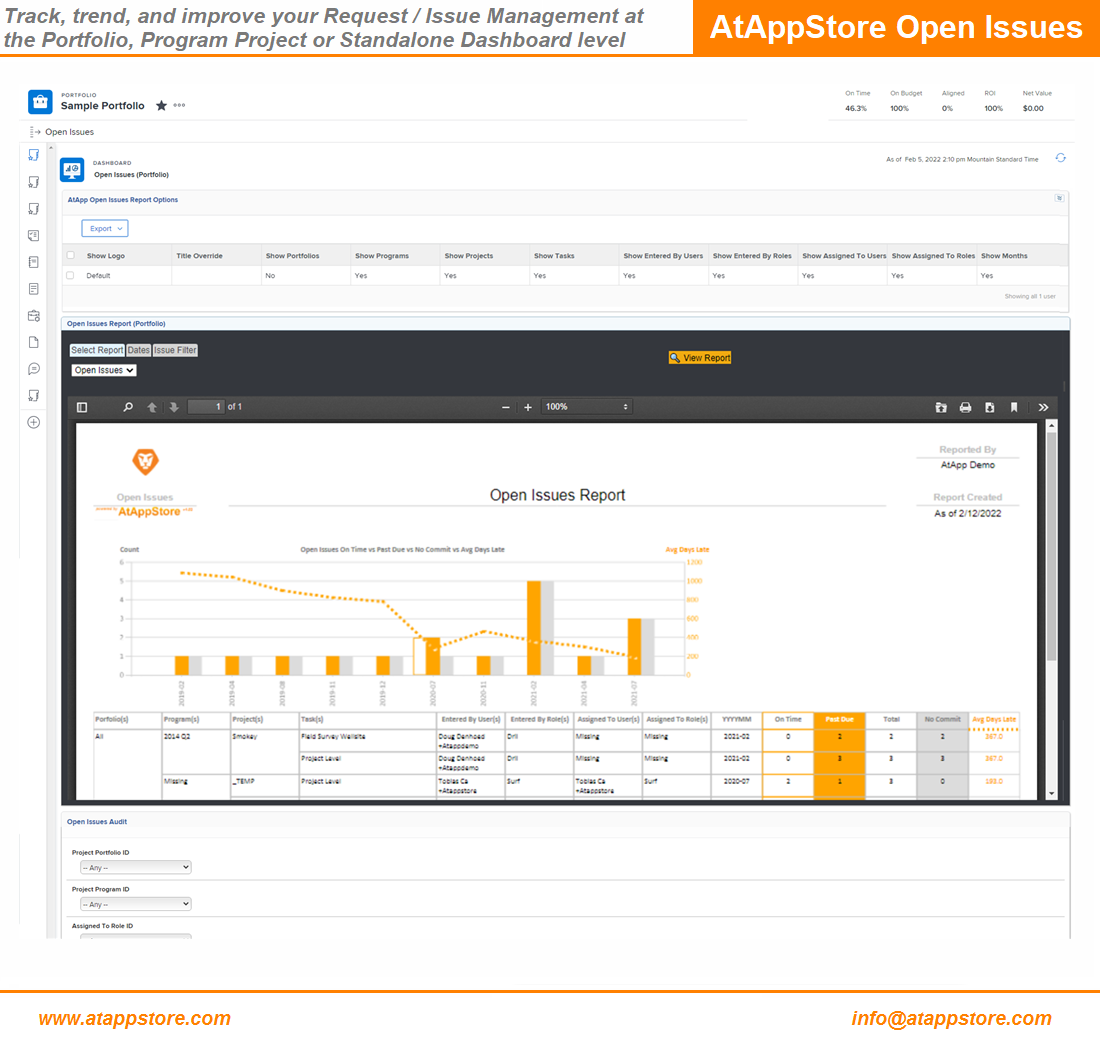
Open Issues (First Impression):
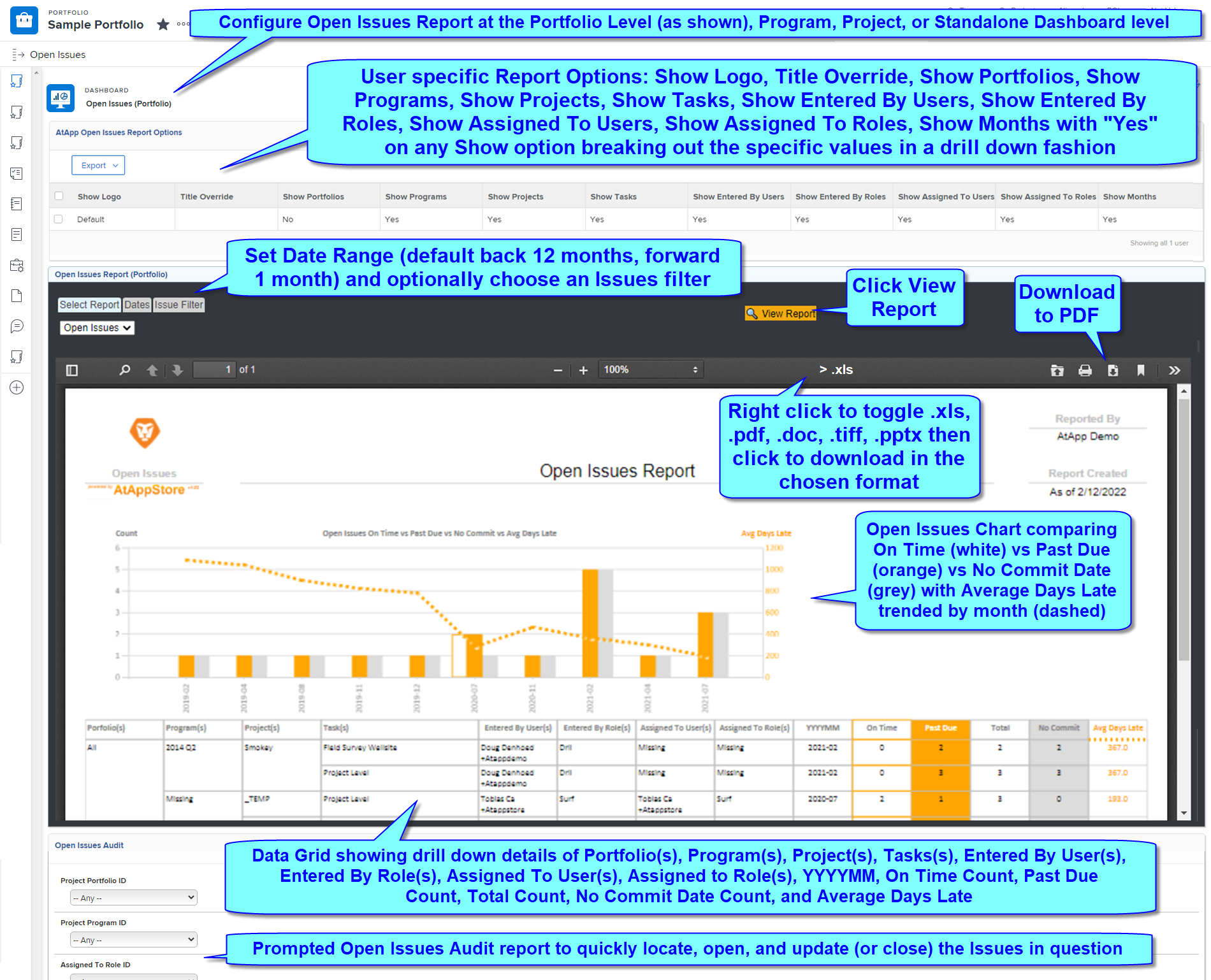
Open Issues (Details):
AtApp Open Issues video (5 min), with illustrations and and step by step installation instructions:
AtAppStore Request / Issue Management Workshop HIGHLIGHTS Videos:
- Pricing
From $4,999/Year (unlimited use)
We invite you to take advantage of our 30 Day Trial (with our compliments) so you can confirm it is a good fit, noting that the trial starts the day you install our Open Issues solution into your Workfront Instance (whether Production, Sandbox, or Preview). Service will then continue for 30 days (then automatically stop), but if you then decide to license it, email us at sales@atappstore.com to make the appropriate arrangements and continue service.
Since our Swimlane solution is based on our Magic Reports technology, if you’d like us to tailor it to suit your needs exactly, we’d be also happy to discuss a fixed quote to do so.
- Files
- Related Products

Roadmap
Our Roadmap solution lets you tag existing Tasks with data driven bar colors, fonts, and icons to efficiently generate real time professional Roadmap reports at various levels of detail
HOW Annual License, Glossy WHAT Actuals, Calendaring, Reporting, Resourcing WHEN Since 2021 WHERE Custom Data, Other, Portfolios, Programs, Projects, Tasks WHO Executive, Planner WHY Automation, Embedded, Simplification 
Editorial Calendar
Our Editorial Calendar solution distills your Social Media Plans into a centralized, image-enabled set of calendars you can easily filter, adjust, print, act upon, and monitor, all in real time.
HOW Adobe Exchange, Annual License, Glossy, Video WHAT Actuals, Calendaring, Reporting, Resourcing WHEN Since 2021 WHERE Companies, Custom Data, Other, Portfolios, Programs, Projects, Tasks WHO Executive, Planner, Requestor, Worker WHY Embedded, Simplification
